
Profile Form Filler: name, phone, address
Автозаполнение форм: ФИО, телефон, адрес
Автозаполнение форм: ФИО, телефон, адрес
One click fills sign-up and checkout forms: name, phone (masked too), address. No limits, works offline, never passwords or cards.
| Firefox | profile-form-filler |
|---|---|
| Firefox id | form-autofill@dmitryq |
| Permissions |
|
| Optional | none |
| Optional sites | none |
| Runs on | none |
| Firefox data collection | {"required": ["none"]} |
Screenshots from the store materials.
Text from the Firefox Add-ons page.
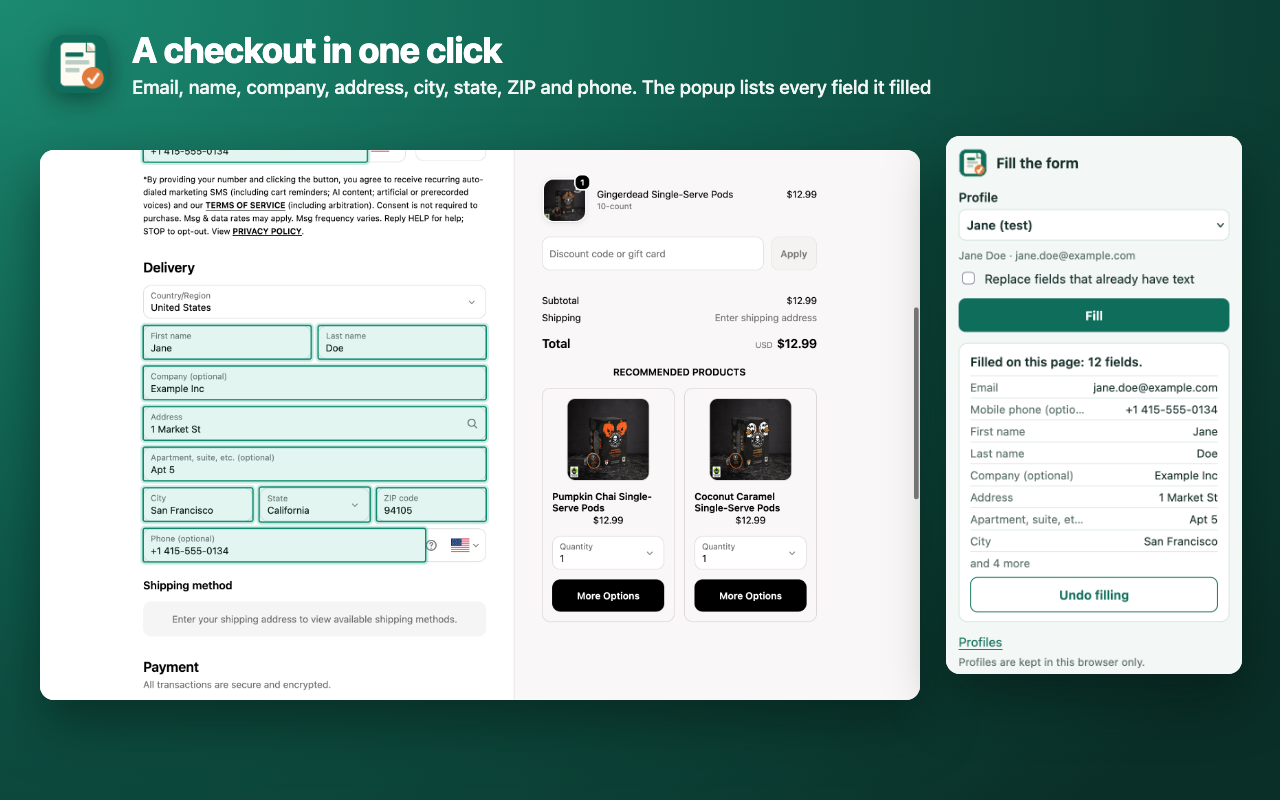
Click the toolbar button and a sign-up, application or checkout form fills in from your own profile: name, middle name, phone, email, address, postal code. The popup lists exactly what went where, and "Undo filling" puts it back.

WHY THIS ONE
• Free, no limits, no account: no subscription and no "10 fills a day".
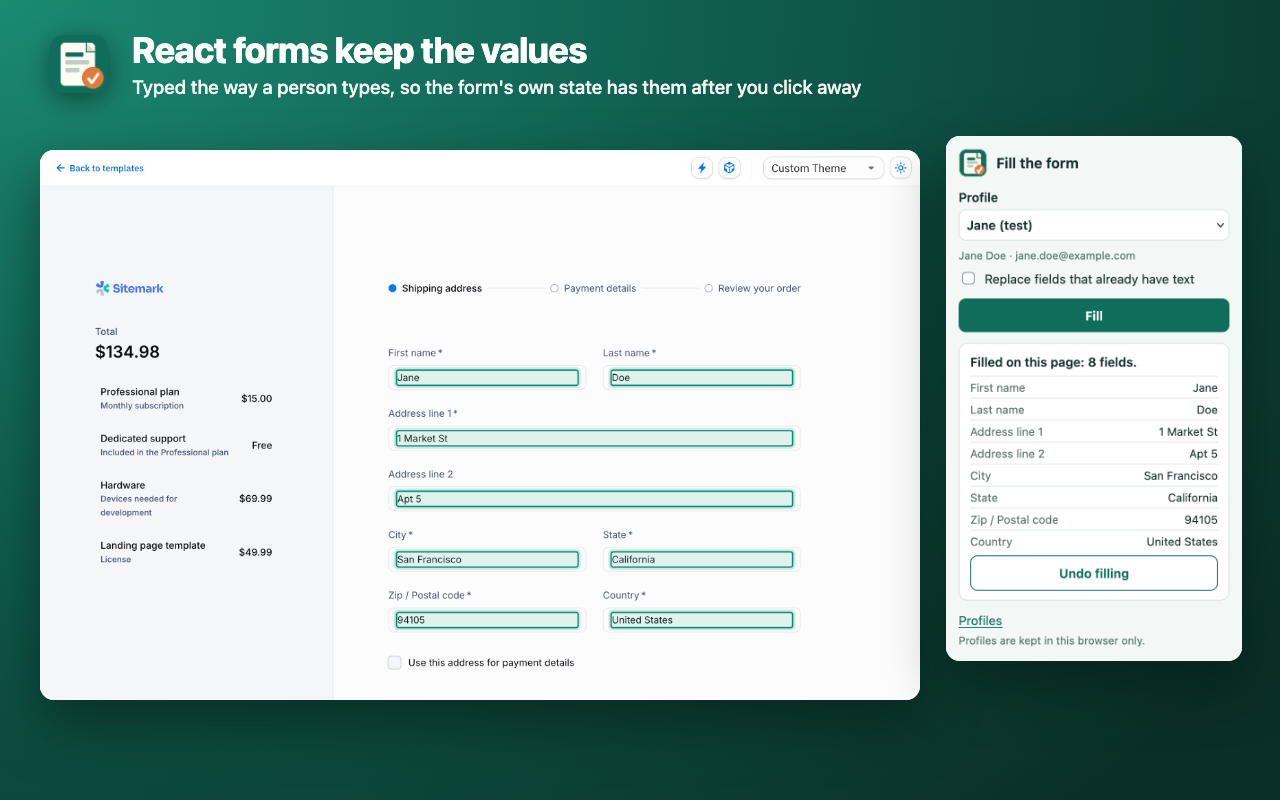
• Works with React and Vue forms: text is entered the way a person types it, so the form's own state keeps it after you click away.
• Phone fields with masks: +7 (___) ___-__-__, (000) 000-00-00, a separate country-code box (tested with IMask, Inputmask, jQuery Masked Input, Maska, Cleave). It tries the ways of writing the number until every digit is in the field.
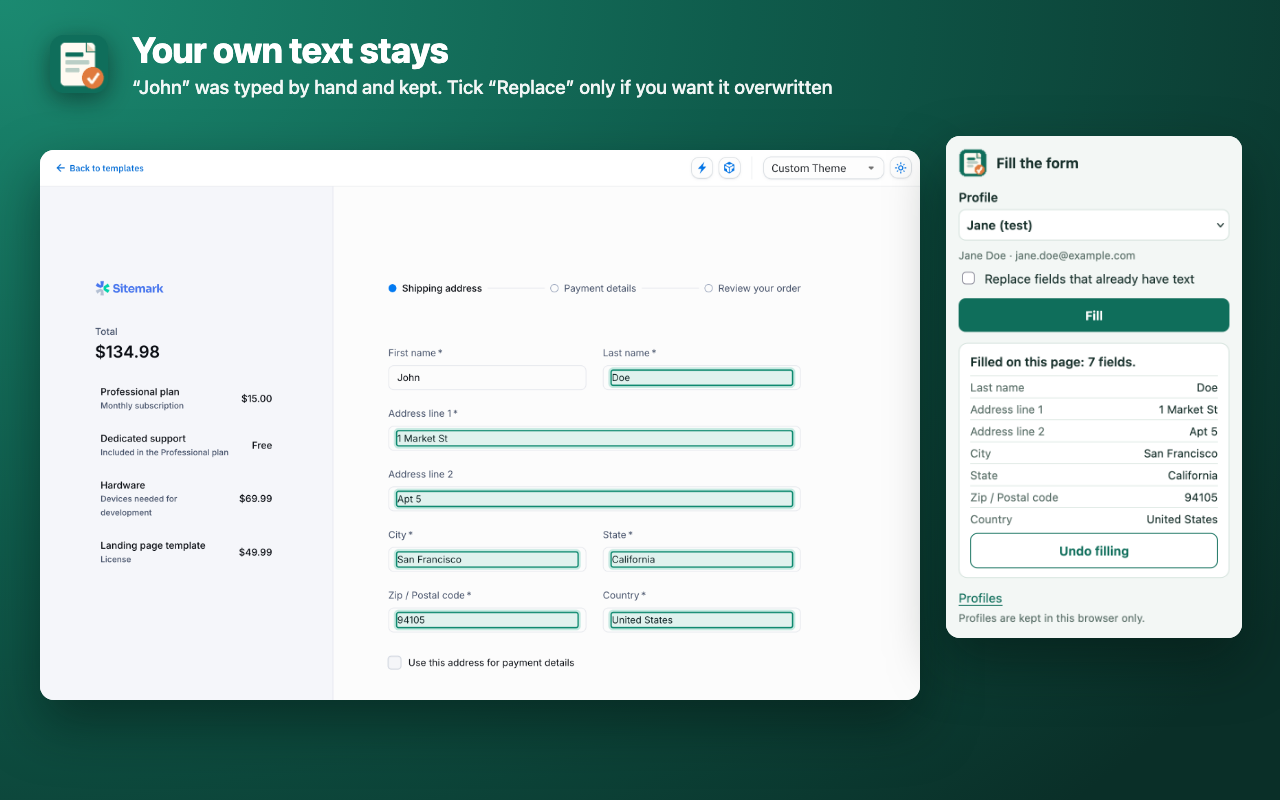
• Your own text stays: fields that already have text are left alone unless you tick "Replace fields that already have text".
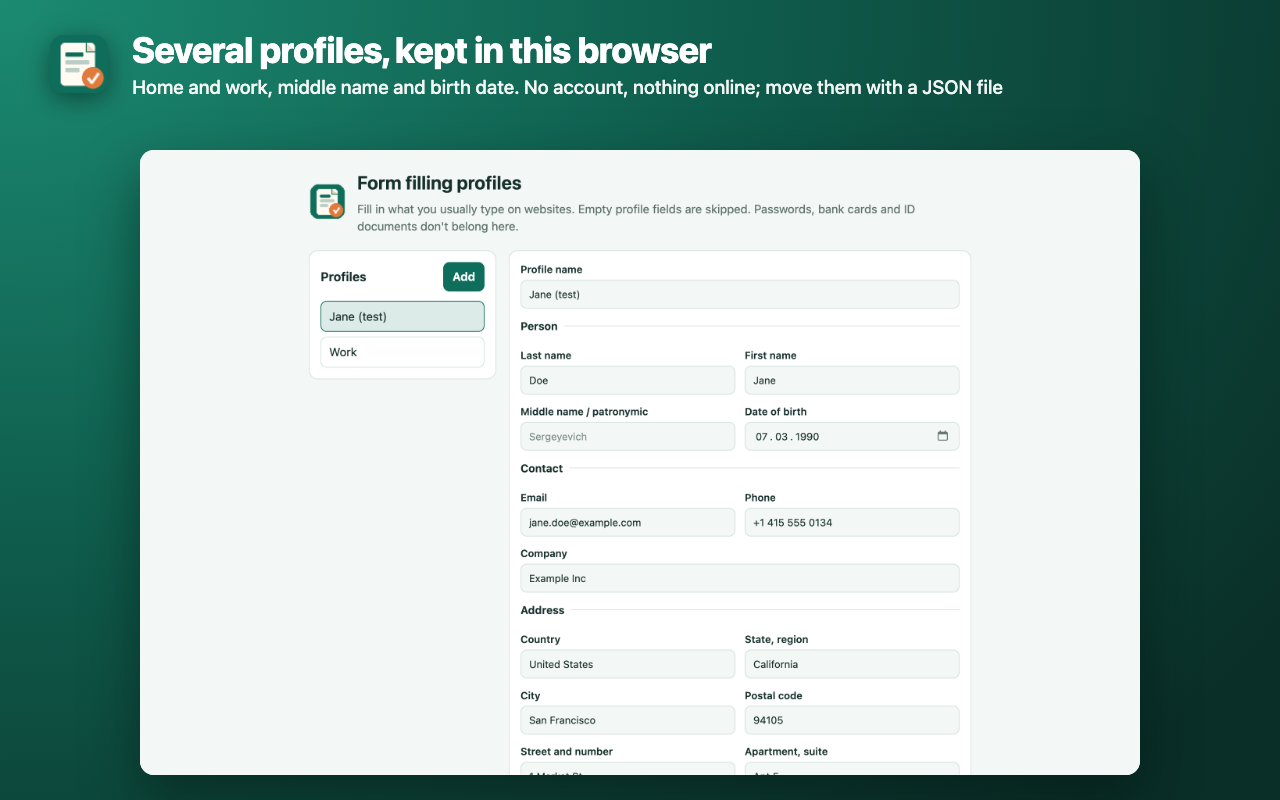
• Several profiles (home, work). Understands English and Russian labels, including «ФИО» and patronymic fields. Firefox's built-in address autofill is only offered in 14 countries (US, Canada, UK, Germany, France and others).

HOW TO USE
• In the settings, fill in one or more profiles: last, first and middle name, date of birth, email, phone, company, country, state/region, city, postal code, street and number, apartment.
• On a page with a form: toolbar button → pick a profile → "Fill".
• Filled fields get an outline for a few seconds; the popup shows "field — value".
• "Undo filling" restores the previous text. Fields you have changed since, or that the site rebuilt, are left alone and the popup says so.
• Drop-downs: country (United States = USA = US), state, a birth date split into day, month and year lists.
• Move profiles to another computer with a JSON file.

NEVER FILLED
• Passwords, card numbers, CVV, expiry dates, SMS and one-time codes, usernames.
• Promo codes, order comments.
• Hidden fields and bot traps: invisible, zero-size or off-page fields.

PRIVATE
• Profiles stay in this browser only (storage.local), not synced. They are not encrypted by the extension, like the browser's own saved addresses.
• The extension makes no network requests: nothing is sent to the developer or anyone else.
• It works only in the tab where you clicked the button (activeTab) and reads no pages before that. The site's scripts can't see your profile, only the values written into its fields.

LIMITS
• Firefox's own pages and addons.mozilla.org: the browser doesn't let extensions run there.
• Frames from other sites (such as a payment provider's card fields) are not filled.
• Custom div-based drop-downs and address suggestions: the text is typed in, you pick the suggestion.

Interface in English and Russian.